Meetings
Meeting links your guests can open in any browser.
Freesbe meetings are scheduled video calls with their own link. Guests join from a browser without an account and wait in a lobby until you let them in. Invites arrive by email with a calendar file for Google Calendar, Outlook or Apple Calendar. Booking links let people pick a free slot themselves.
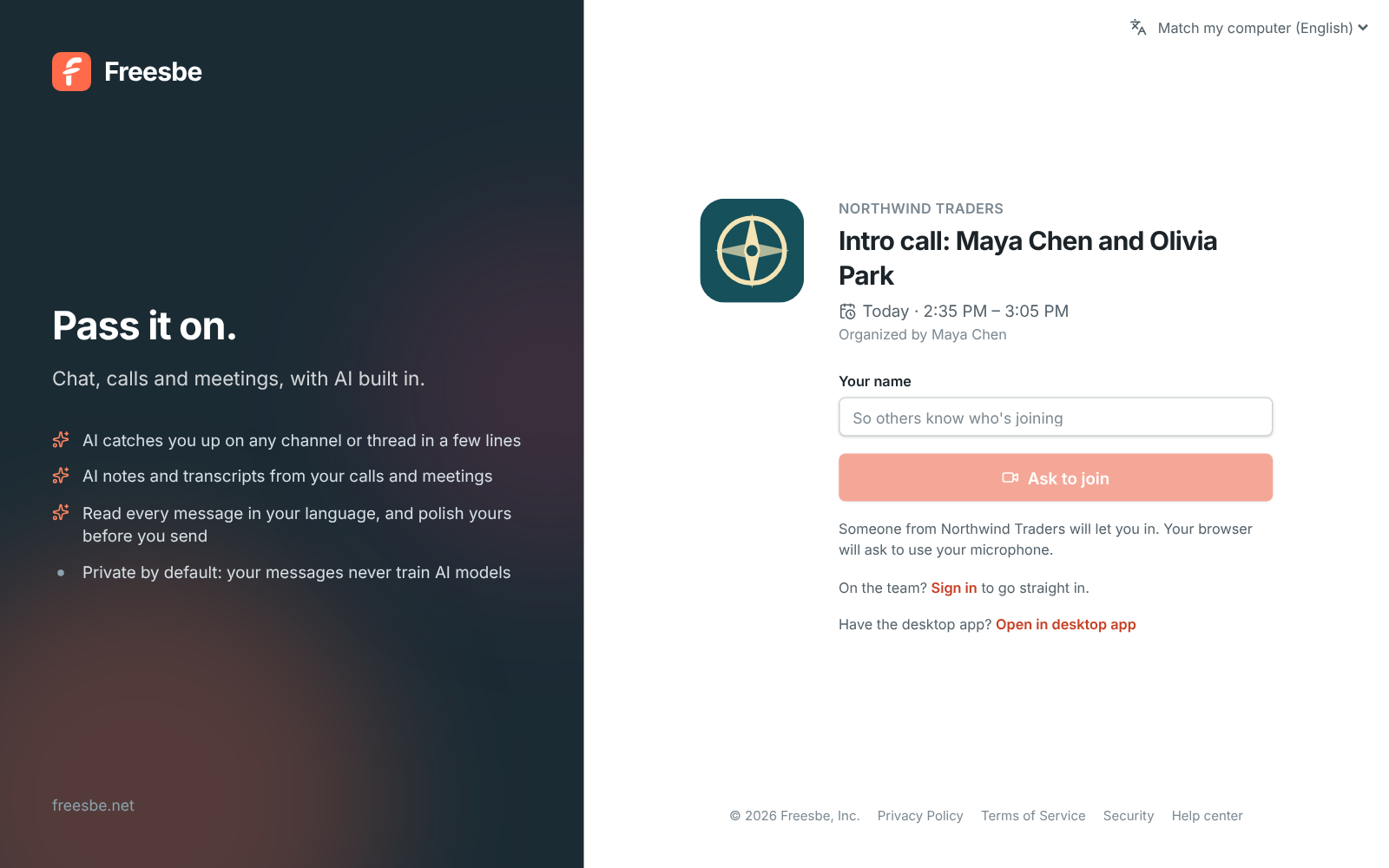
Schedule in one dialog
Give the meeting a title, a start time and a length from 15 minutes to 4 hours. Pick teammates and type guests' email addresses. Everyone gets an email with their own link, a calendar invite and a reminder about 10 minutes before the start.
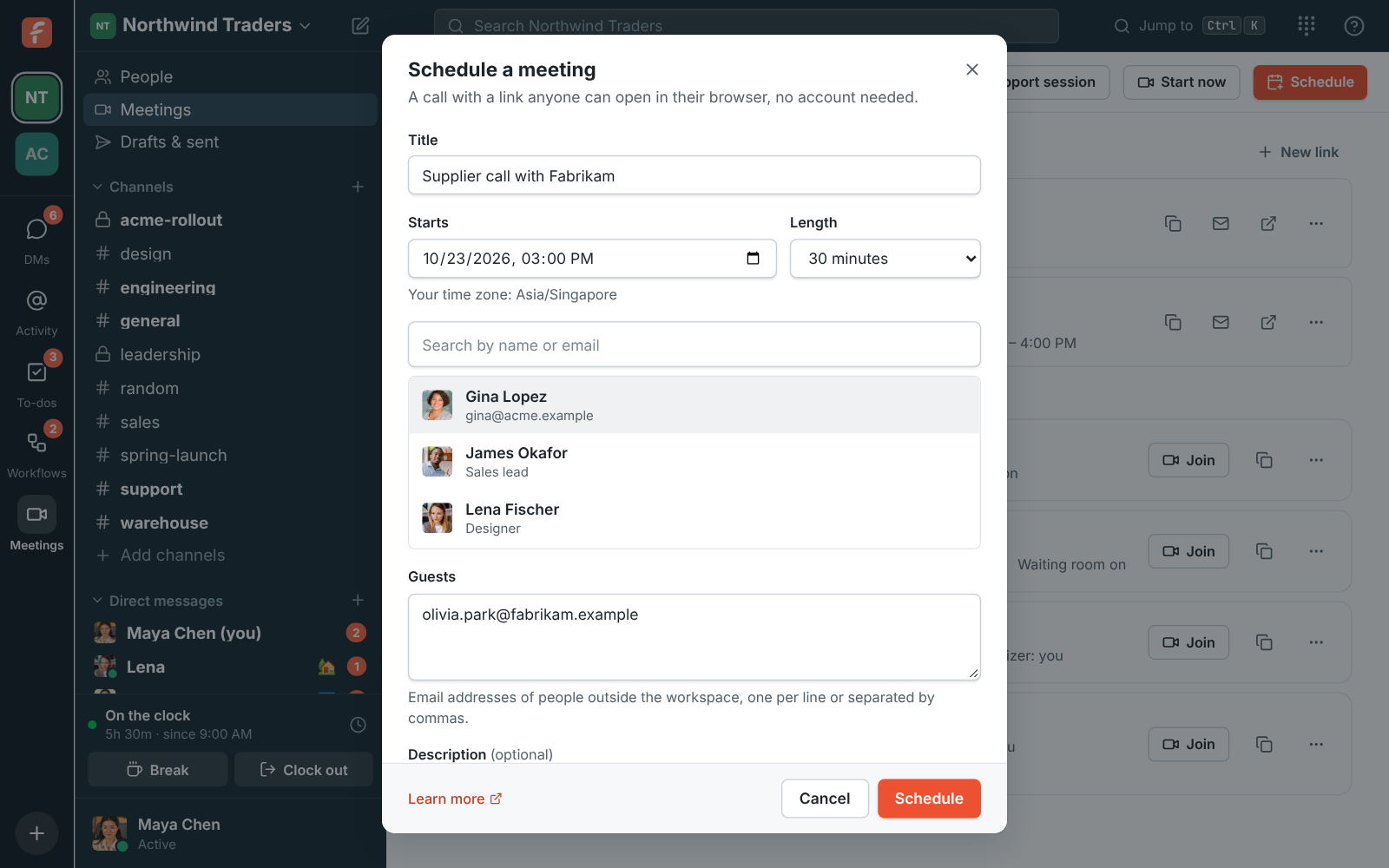
Find a time without the back and forth
Connect Google or Microsoft calendars and the scheduler shows everyone's busy times, never what the meetings are about. It suggests half-hour starts when the whole group is free.
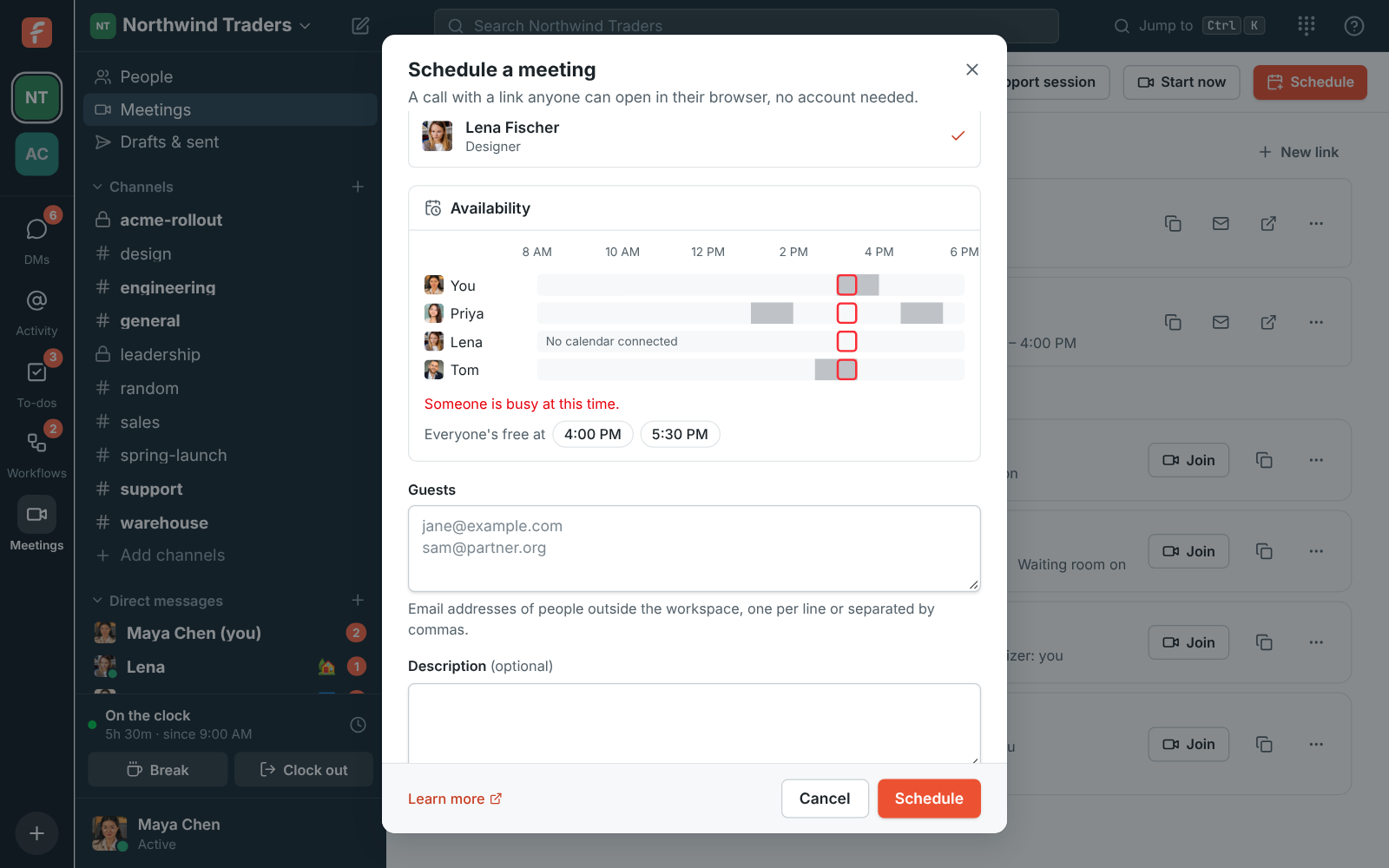
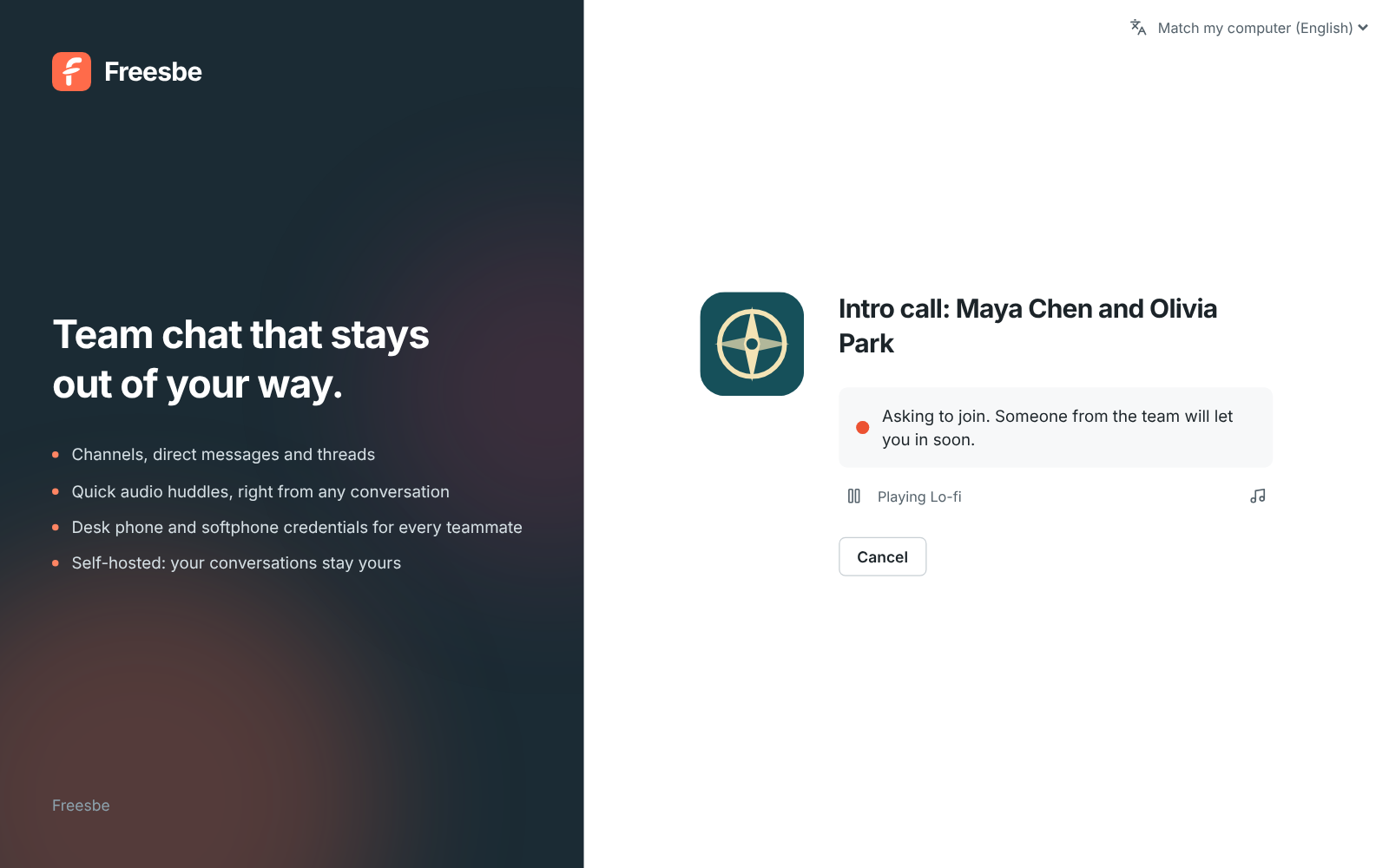
A waiting room with your logo on it
Guests see your workspace logo, the meeting title and who they're meeting, then ask to join. Someone from your team lets them in. People in the workspace go straight in.
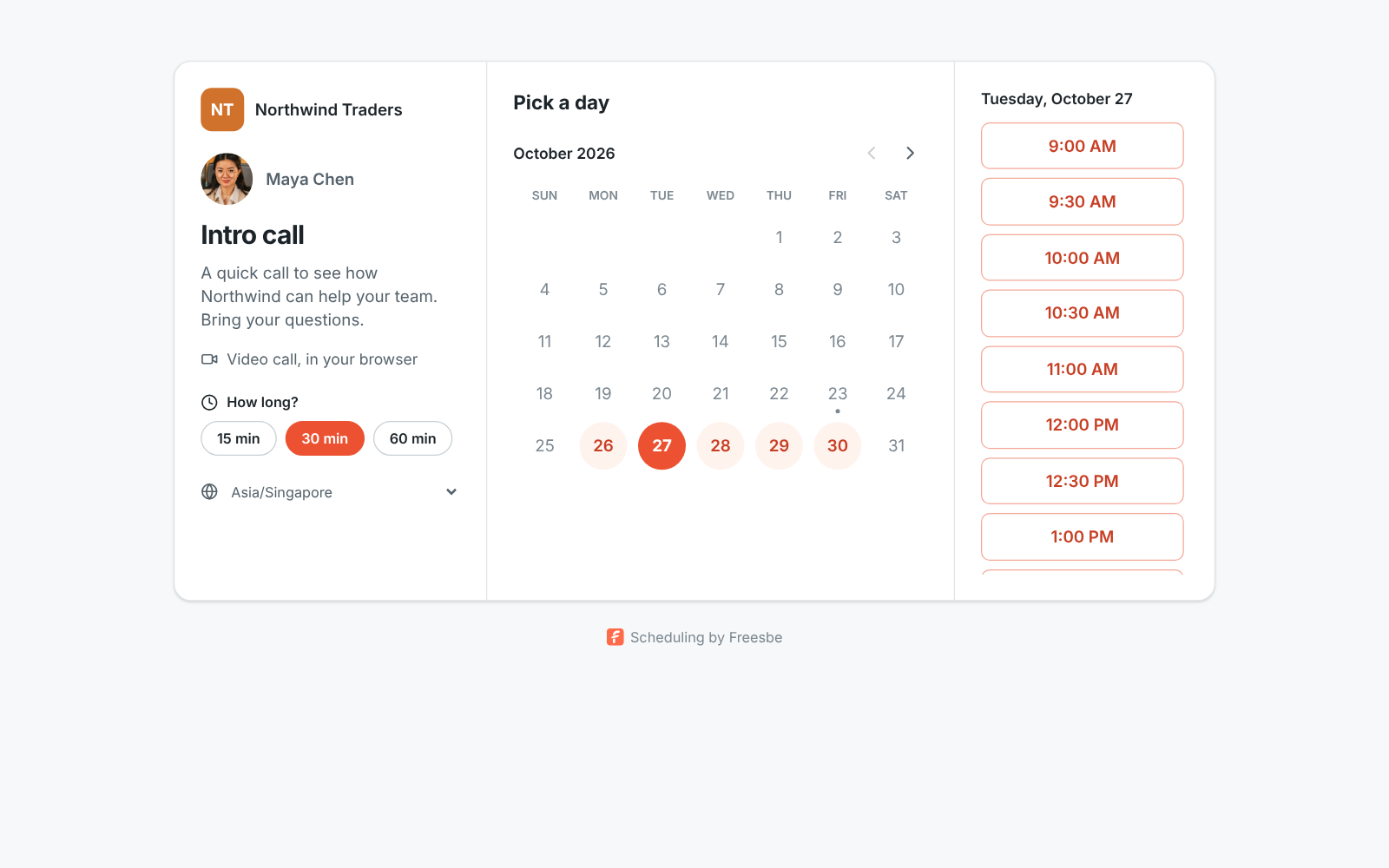
Let people book time with you
Share a booking link and people outside the workspace pick a free 15, 30 or 60 minute slot inside the hours you set. The booking lands in your meetings list with a link for both of you.
Questions
- Do guests need a Freesbe account?
- No. Guests open the link in a browser, type their name and ask to join.
- How many people can join a meeting?
- Up to 20 people, including guests.
- Does it work with my calendar?
- Invites work with Google Calendar, Outlook and Apple Calendar. Connect a Google or Microsoft calendar to see busy times while you schedule.
- Which plans include meetings?
- Scheduled meetings, booking links and recordings come with Business ($4 per person a month, billed yearly) and above.