Integrations
Freesbe with Microsoft 365.
Freesbe works with Microsoft 365 in two ways. People sign in with their Microsoft account, and on Corporate admins can require Microsoft sign-in for everyone. People also connect their Microsoft calendar, so teammates see busy times when scheduling and their status shows In a meeting during Outlook events.
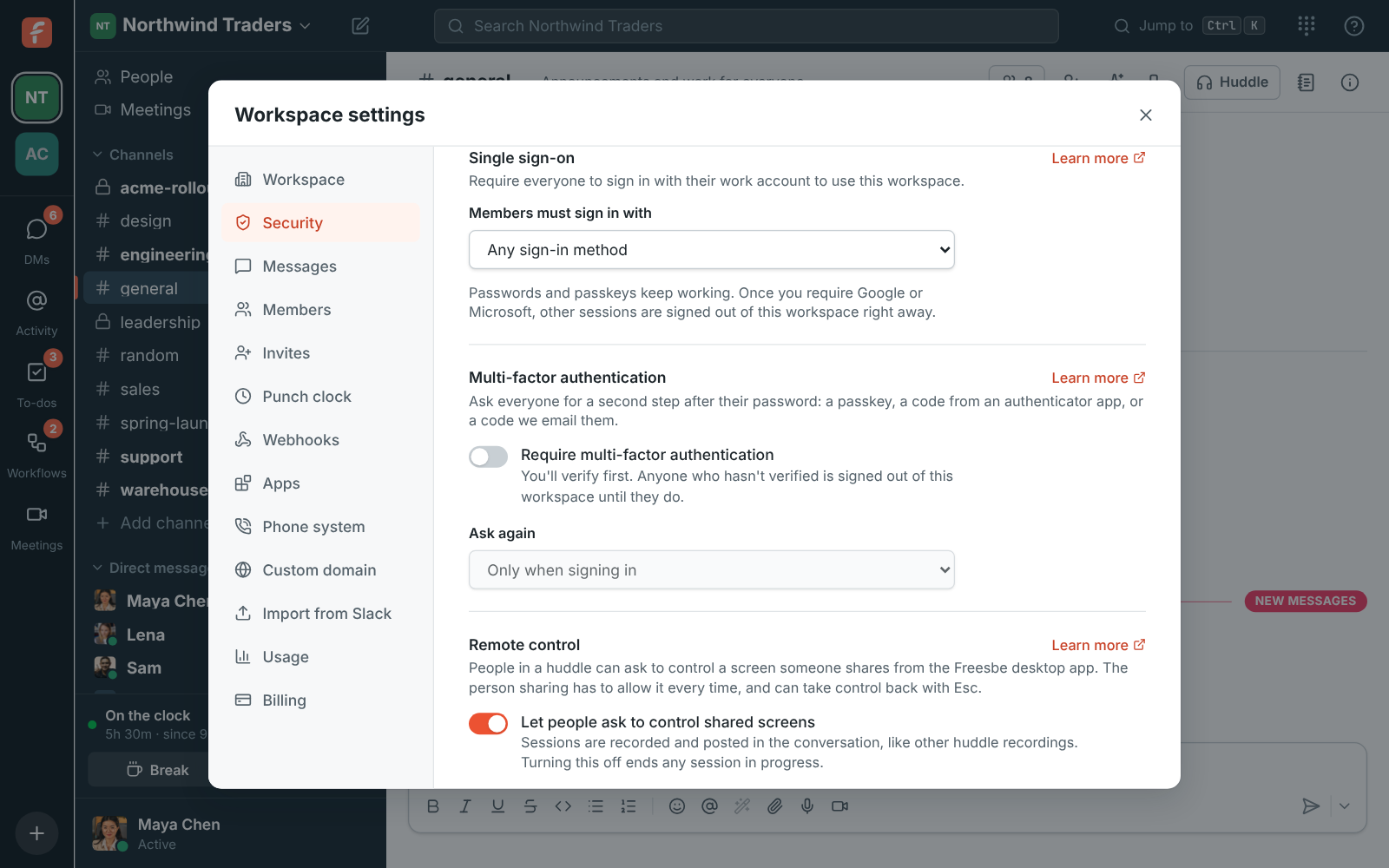
Sign in with Microsoft
Anyone can continue with Microsoft. Work, school and personal accounts can sign in, and Freesbe links Microsoft to the account with the same confirmed email.
Require Microsoft for everyone
On Corporate and Enterprise, admins choose that members must sign in with Microsoft, Google or either. People signed in another way are asked to continue with Microsoft, and other workspaces they're in aren't affected.
Your Outlook calendar, as busy times
Connect a Microsoft calendar from Preferences. Freesbe reads only when you're busy, for the meeting scheduler and booking links, and sets your status to In a meeting while you're in one.
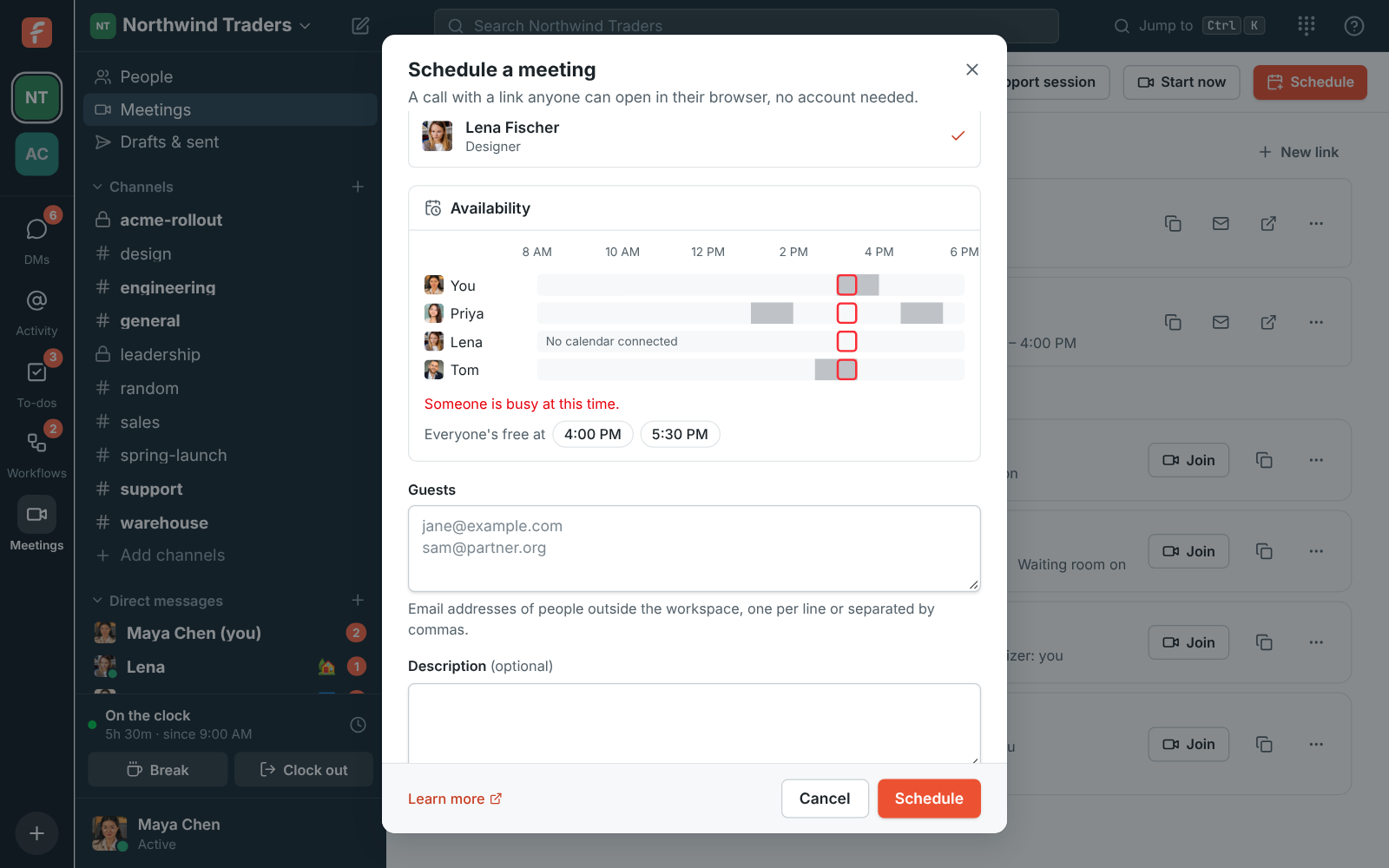
Invites that open in Outlook
Meeting invites carry a calendar file Outlook accepts, with a reminder about 10 minutes before the start. Edits and cancellations update everyone's calendar.
Questions
- Which Microsoft accounts can sign in?
- Work, school and personal Microsoft accounts, unless the server is set up to accept only work and school accounts or only your organization's directory.
- What does Freesbe read from my calendar?
- Only when you're busy, never the subject or details of your events.
- Do we need Microsoft 365 to use Freesbe?
- No. Microsoft sign-in and calendars are optional. Freesbe also works with Google, passkeys, emailed codes and passwords.
- Does Freesbe sync users from Entra ID?
- Not yet. Directory sync (SCIM) is planned for Enterprise.