
Run meetings with AI notes
Freesbe can write up any huddle or meeting for you: a transcript of who said what, and notes with a summary, the decisions and the action items, with who they’re for. Here’s how teams get the most from it.
Before the call
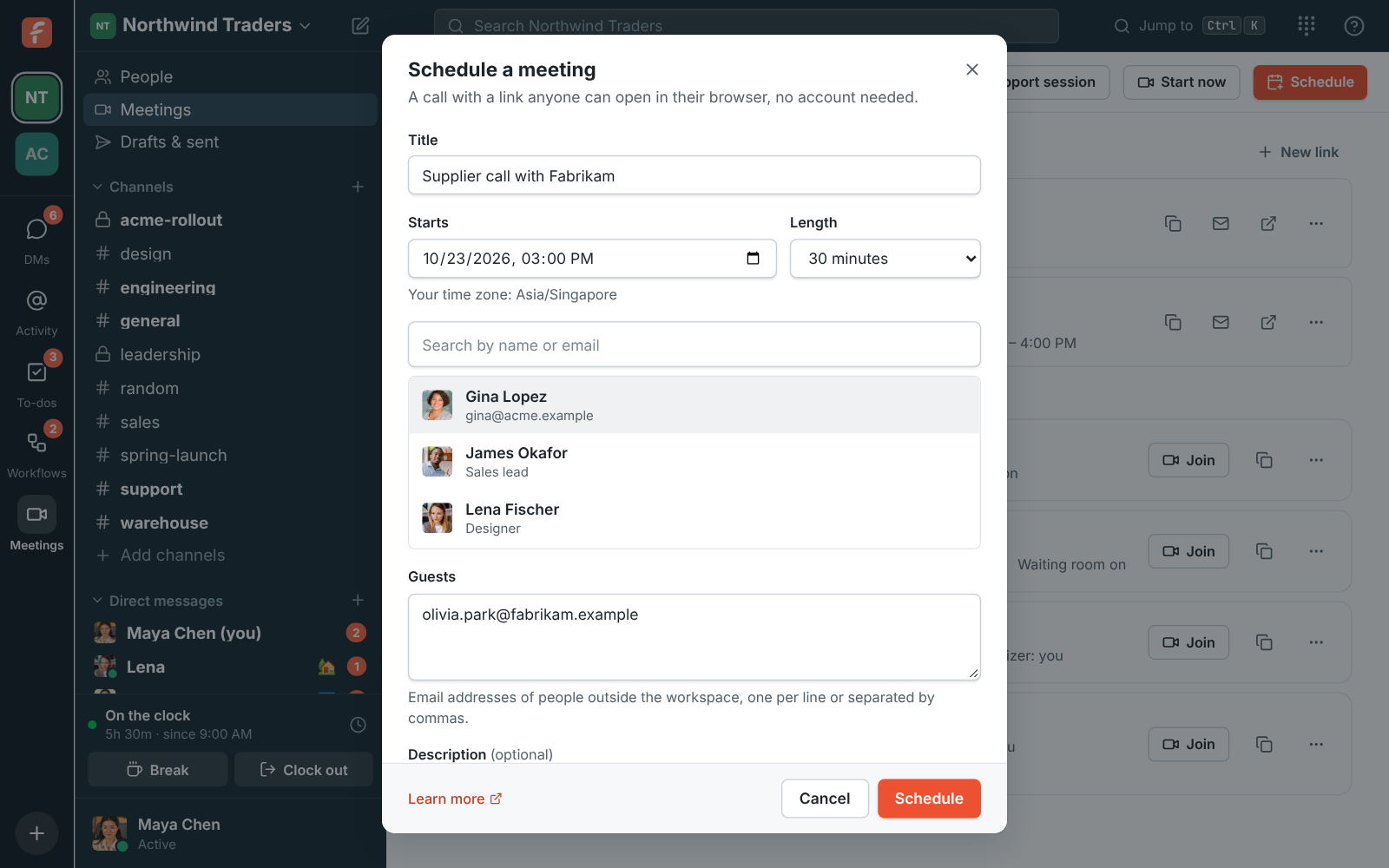
Section titled “Before the call”- Schedule it in Freesbe from Meetings → Schedule, with guests’ email addresses. Each guest gets their own link, which fills in their name, and only guests who joined with their own link can be emailed the notes later.
- Give it a clear title, like “Acme Corp: November order”. It’s what people will search for in Meetings → Recordings.
- Leave the waiting room on for customer calls, so you let each guest in yourself.
During the call
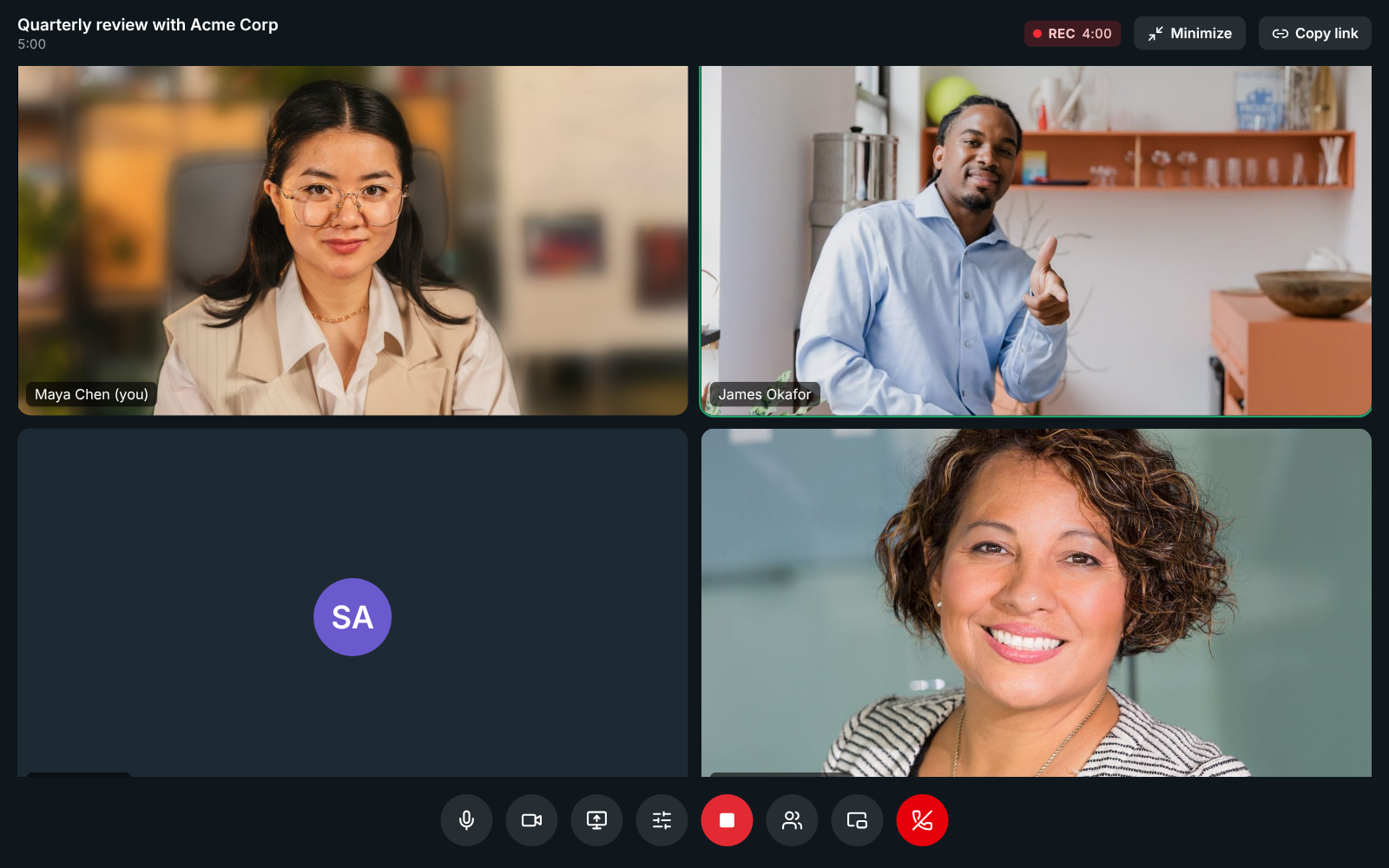
Section titled “During the call”- Record for the video, transcript and notes, or Transcribe a huddle when you want the notes but no video. Everyone hears a tone and sees who started it.
- Say decisions and owners out loud: “So we’ll ship on Friday, and Maya will send the quote.” The notes pick up action items and who they’re for from what people say.
- Use the meeting chat for links and files. It’s saved with the meeting, under the notes.
After the call
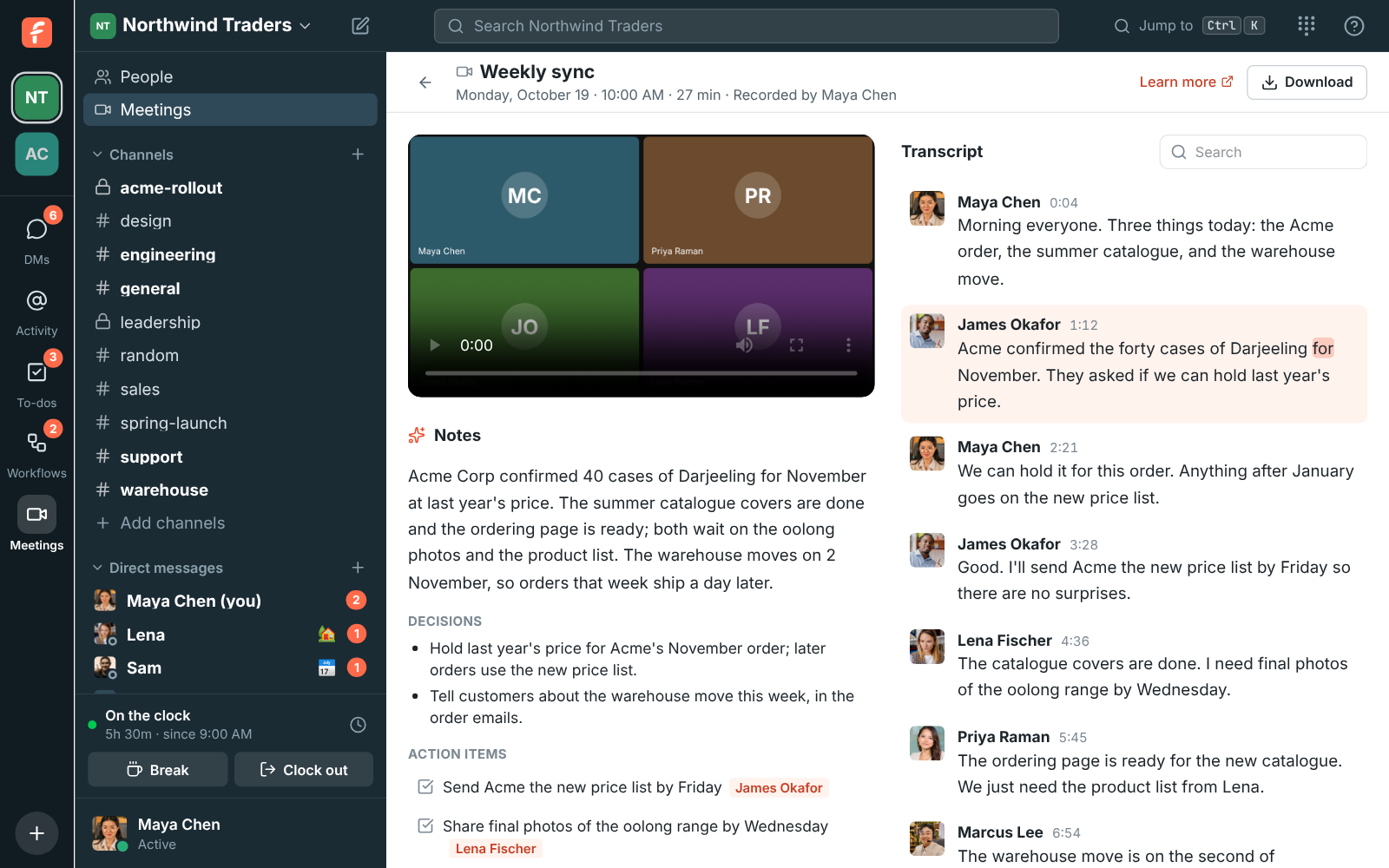
Section titled “After the call”- The notes are usually ready a minute or two after the call ends.
- Click Add to my to-dos next to your action items.
- Click any transcript line to play the recording from there, to check exactly what was said.
- If admins turned on Email meeting guests the notes, guests who joined with their own link get a private link to the notes. The organizer or an admin can Revoke it any time.
For admins: set the rules once
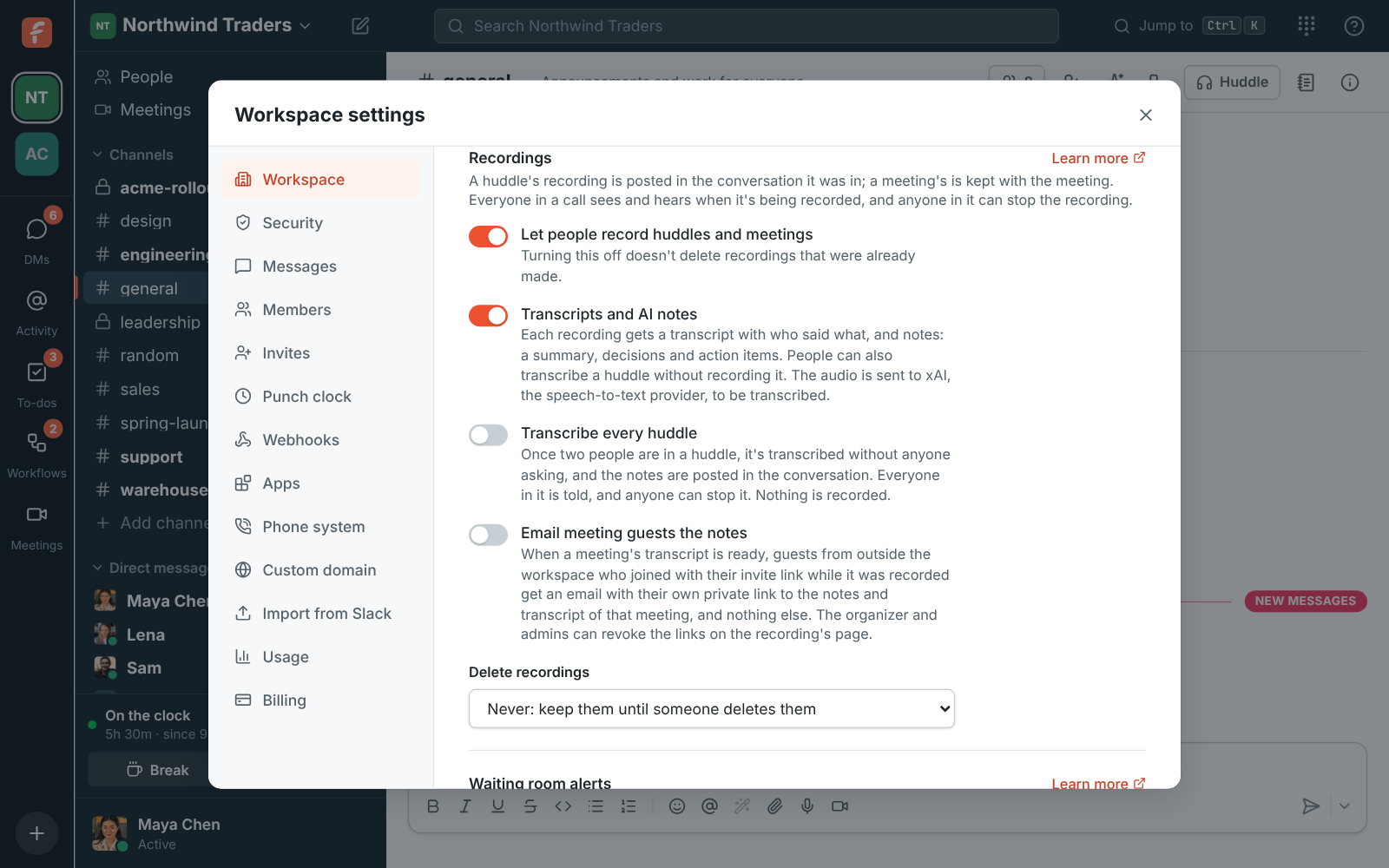
Section titled “For admins: set the rules once”In Workspace settings → Calls & meetings → Recordings:
- Who can start and stop recordings: the default, Whoever started it, hosts and co-hosts, suits most teams.
- Transcribe every huddle: turn it on if your team wants notes from every call without thinking about it.
- Email meeting guests the notes: a good way to follow up with customers. Pick how long links last.
- Delete recordings after 30, 90 or 365 days if you’d rather not keep them forever (Corporate and Enterprise).
Tell your team and your customers that calls may be recorded. The call’s audio is sent to xAI, Freesbe’s speech-to-text provider, to write the transcript and notes. See Privacy.
Answers come from the Freesbe guides and are written by AI, so check the linked guide before relying on one. Please don't include personal details such as emails or passwords.